
How to add a One-Time add on to a SubscriptionsUpdated 4 months ago
We are thrilled to announce the exciting updates to our subscription platform. You can now add select products to your subscriptions as one-time additions. Adding a one-time product to your existing subscription is easy:
1. Log in to your Babe Original account and go to your account page. 👤
2. Click on "Subscriptions At the top of the page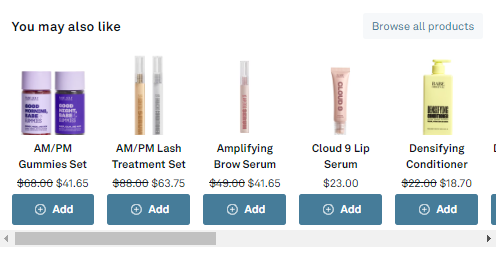 )
)
3. In the "You May Also Like" section, choose your favorite product to add as a one-time addition to your subscription.
*Just a heads-up, some products are priced as a one-time add-on and won't receive a subscription discount.*
Once you've added the product, you'll see it reflected on your upcoming order for review.